Purohit Booking Process
Welcome to the Vedic Sanskaar app! Follow these simple steps to book a Purohit for your ceremonies and rituals.
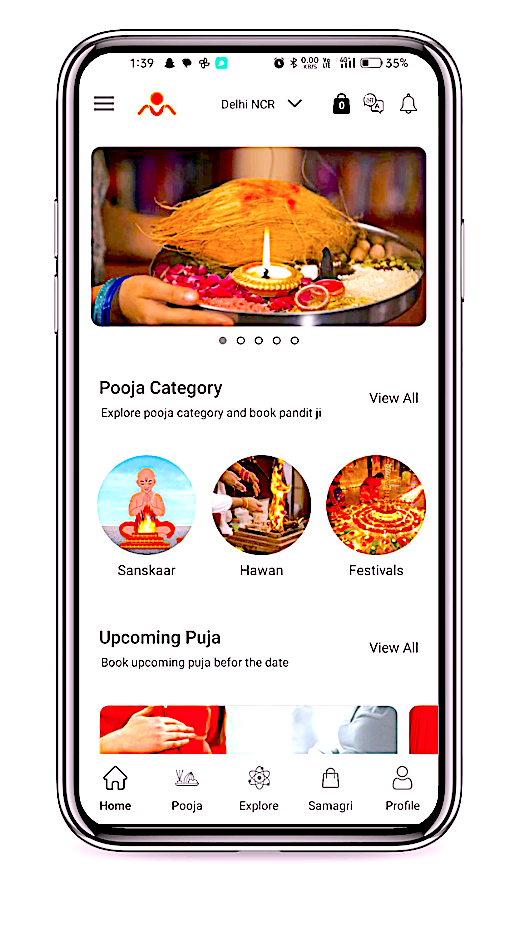
1. Open the Vedic Sanskaar app
Navigate to the home screen.
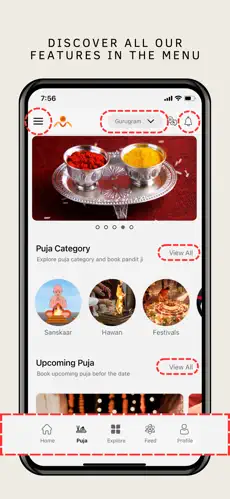
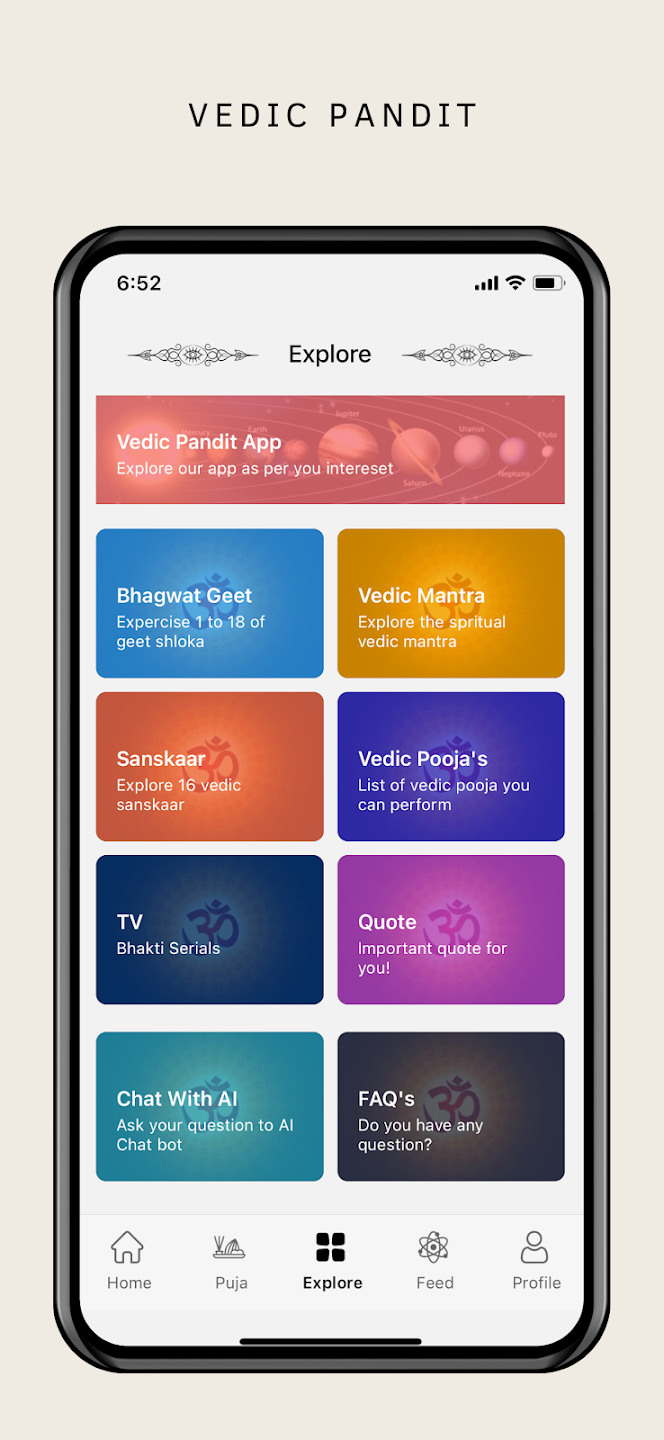
2. Browse through the Explore Section
From the main menu, choose the Pooja of your choice.
3. Shorts and Reel available in Bhajan and katha section
Listen to all vedic stories in in the form of videos
.webp)
4. Explore through any category of Puja
From the given list of Puja, scroll through all the Puja.
.webp)
5. Select the 'Book Pooja' option
From the main menu, choose the 'Book a Purohit' option.
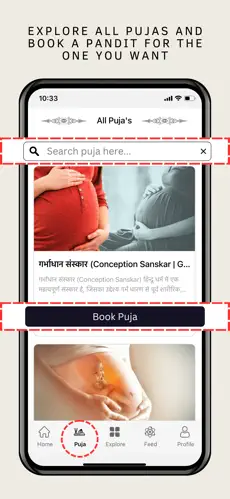
6. Select the 'Book Purohit Ji' option
From the main menu, choose the 'Book a Purohit' option.
.webp)
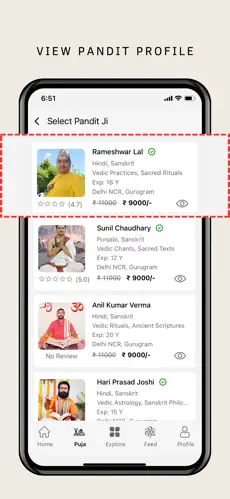
7. Browse through the list of available Purohits
Choose a Purohit that fits your requirements.
8. Accept our Terms and conditions
Proceed with the booking by clicking on the 'Agree' button.
9. Fill out the booking form that includes date & address
Provide the necessary details like date, time-slot, and Address.
10. Review your booking details
Confirm your booking after reviewing the details and proceed to Pay token money.
11. Receive a confirmation
Receive a confirmation email or message with the booking details.